How to Make Softwood Planks
Early wood chain

How to Make Softwood Planks

Gather Softwood, unlock Cutter I, process Planks and reserve the first three for the skateboard.

Checked July 20268 visual stepsEarly Access
Quick route

Chop normal trees for Softwood, unlock and place Cutter I through Zerine’s free processor pack, load Softwood into the Cutter, collect the finished Softwood Planks and keep three for the skateboard.

Raw materialSoftwood
ProcessorCutter I
First useSkateboard
Reserve3 Planks
Before you start

What you need at Home

  • Finish the opening tutorial and keep the starter axe.
  • Start the Crafter profession with Zerine.
  • Claim the free Equipment Blueprint Pack.
Detailed walkthrough

Tree-to-Plank sequence

Each image is either a marked game screenshot or a clearly labelled control diagram.

Choose normal trees near Home
Screenshot checkpoint: Choose normal trees near Home.

Choose normal trees near Home

Start with ordinary trees around Home. Do not plan the route around later hardwood-grade trees that require upgraded tools.

  • Keep one clear path between Home and the Worktable.
What you should seeA normal tree can be targeted by the starter axe.
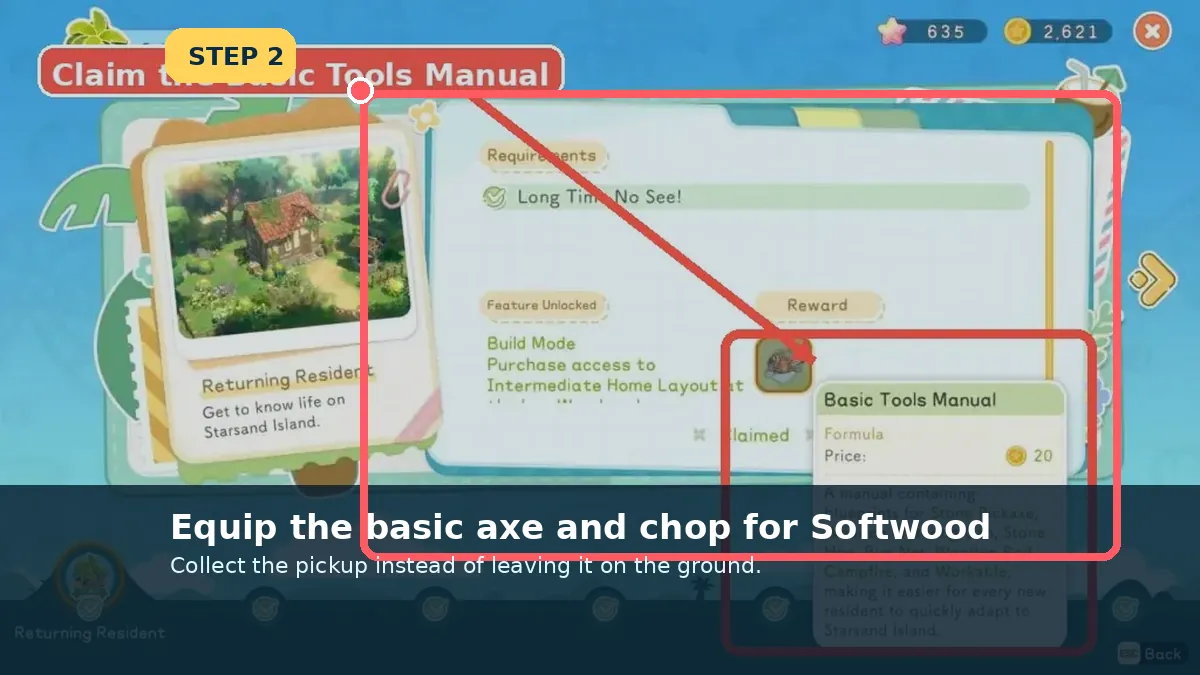
Chop and collect Softwood
Screenshot checkpoint: Chop and collect Softwood.

Chop and collect Softwood

Equip the axe, finish the chop and walk over the drops so Softwood enters the Bag.

  • A felled tree is not useful until the pickups are collected.
What you should seeSoftwood is visible in the Bag.
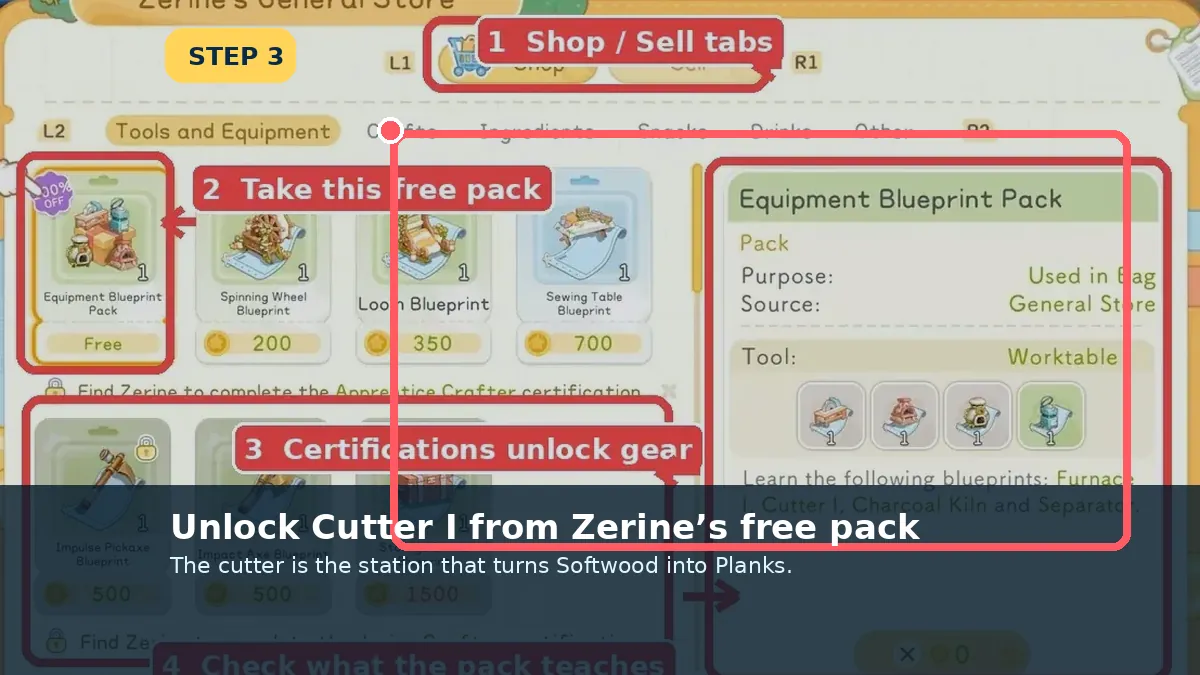
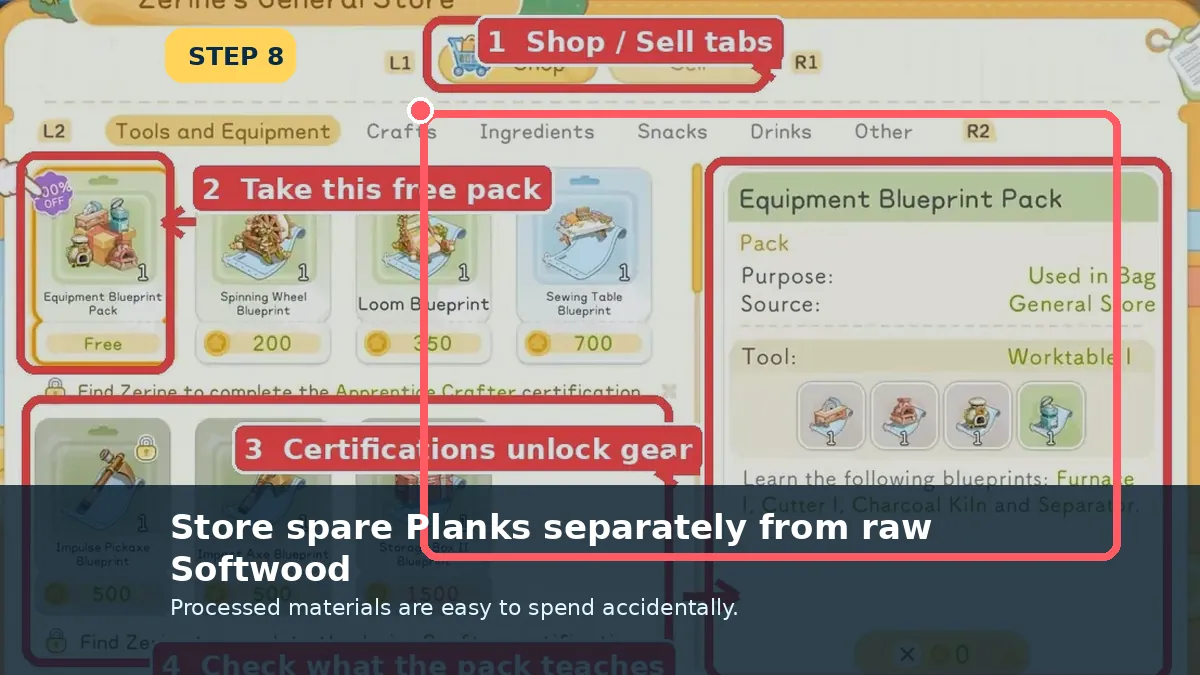
Unlock Cutter I
Screenshot checkpoint: Unlock Cutter I.

Unlock Cutter I

Accept Apprentice Crafter from Zerine and claim the free Equipment Blueprint Pack at the General Store.

  • Open/use the pack if Cutter I stays locked.
What you should seeCutter I appears in the crafting list.
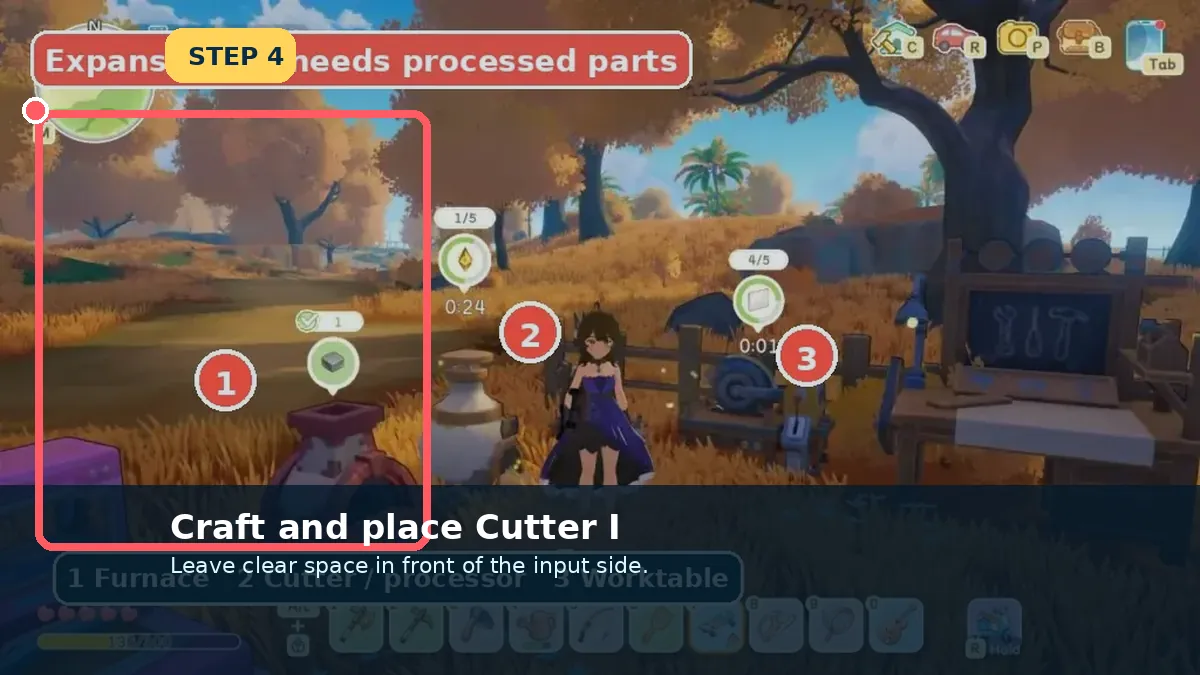
Craft and place Cutter I
Screenshot checkpoint: Craft and place Cutter I.

Craft and place Cutter I

Craft the station and place it beside the Worktable. Equipment left in the build inventory cannot process materials.

  • Keep the front interaction space clear.
What you should seeThe Cutter shows an interaction prompt.
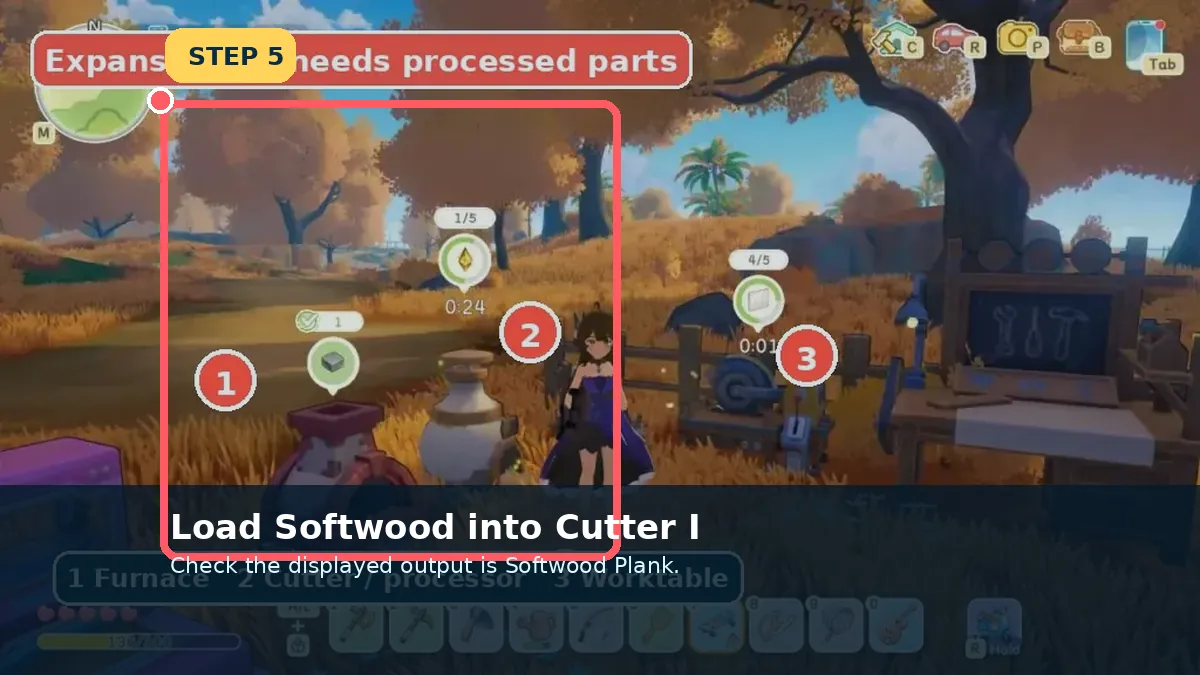
Select Softwood Plank as the output
Screenshot checkpoint: Select Softwood Plank as the output.

Select Softwood Plank as the output

Open Cutter I, choose the Softwood Plank recipe and load the amount shown by the live panel.

  • Confirm the output name before starting.
What you should seeThe processing timer begins.
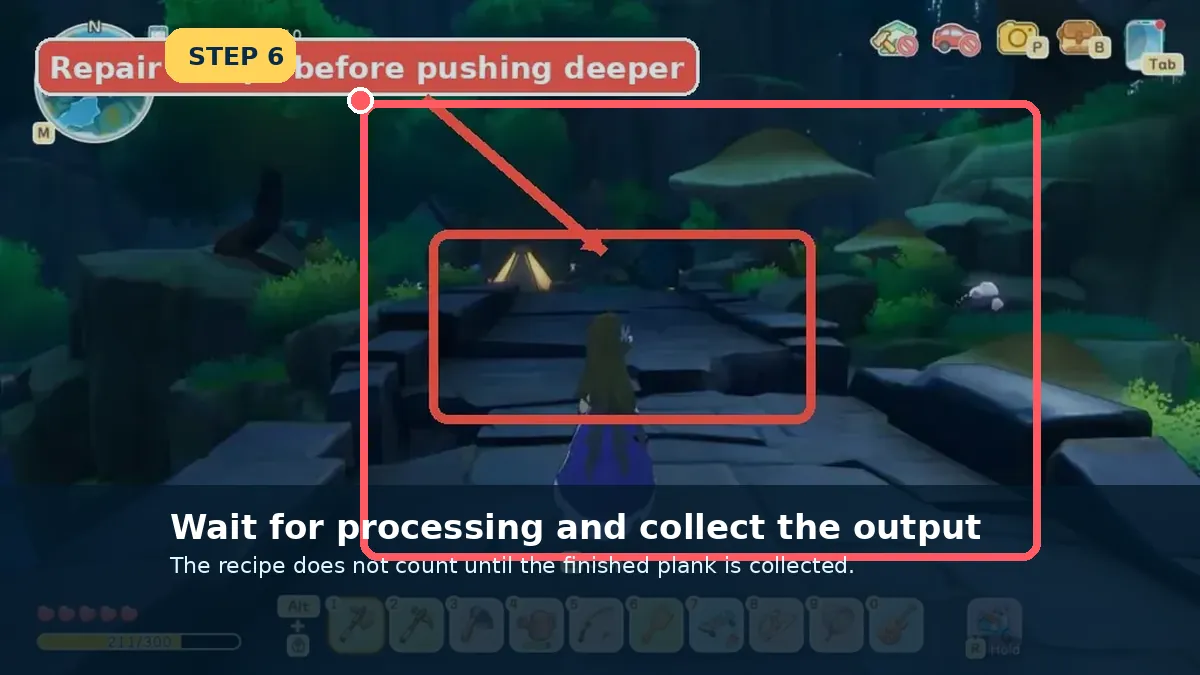
Collect the finished Plank
Screenshot checkpoint: Collect the finished Plank.

Collect the finished Plank

Wait for the station to finish, then remove the output. A completed item still sitting in the Cutter will not satisfy later recipes.

  • Collect after every batch to avoid confusion.
What you should seeSoftwood Plank appears in the Bag.
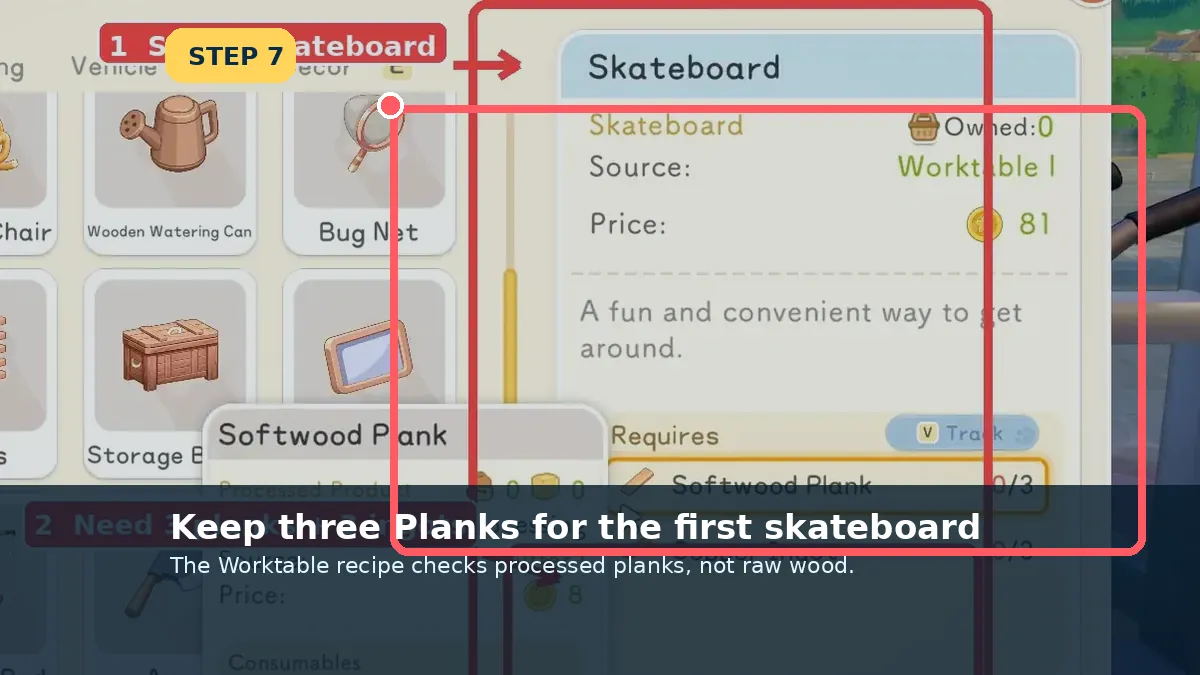
Reserve three for the skateboard
Screenshot checkpoint: Reserve three for the skateboard.

Reserve three for the skateboard

Before building furniture or extra equipment, place three Planks in a protected stack for the first mobility quest.

  • Raw Softwood cannot substitute for Planks.
What you should seeSoftwood Plank ×3 is ready.
Store spare processed wood separately
Screenshot checkpoint: Store spare processed wood separately.

Store spare processed wood separately

Use a named Storage Box for processed parts so Planks are not sold with raw gathering materials.

  • Keep raw and processed wood in different rows or boxes.
What you should seeThe next crafting route can find Planks immediately.
Field notes

Raw wood and planks are different inventory items

This distinction causes more early crafting failures than the gathering itself.

Read the tree drop

Normal early trees should add Softwood. Keep the first stack instead of selling it as a low-value duplicate.

Choose the Cutter output

Interact with Cutter I and select Softwood Plank. Loading wood without choosing the output does not finish the chain.

Collect and reserve three

Move the finished planks into the Bag, then protect three for the skateboard before using extras elsewhere.

Last checked against the Early Access build: July 8, 2026
Patch checkIf the Worktable says the skateboard materials are missing, check that you collected Softwood Planks from Cutter I rather than carrying only raw Softwood.
Sources checked
Crafter walkthrough · Starter Guide · Crafting recipes
Reviewed 8 July 2026. Live recipe panels, tracked objectives and map markers override older screenshots when Early Access changes.
Continue from here

Open the page that matches your next screen

The links below connect this page to the exact item, resident, place or walkthrough used in the next step.