Use Map → Mentors and live Social tracking to find Zerine, Graminova, Delphin, Pastelle and Zephyria without copying fragile schedules.
Checked July 20268 visual stepsEarly Access
Quick route
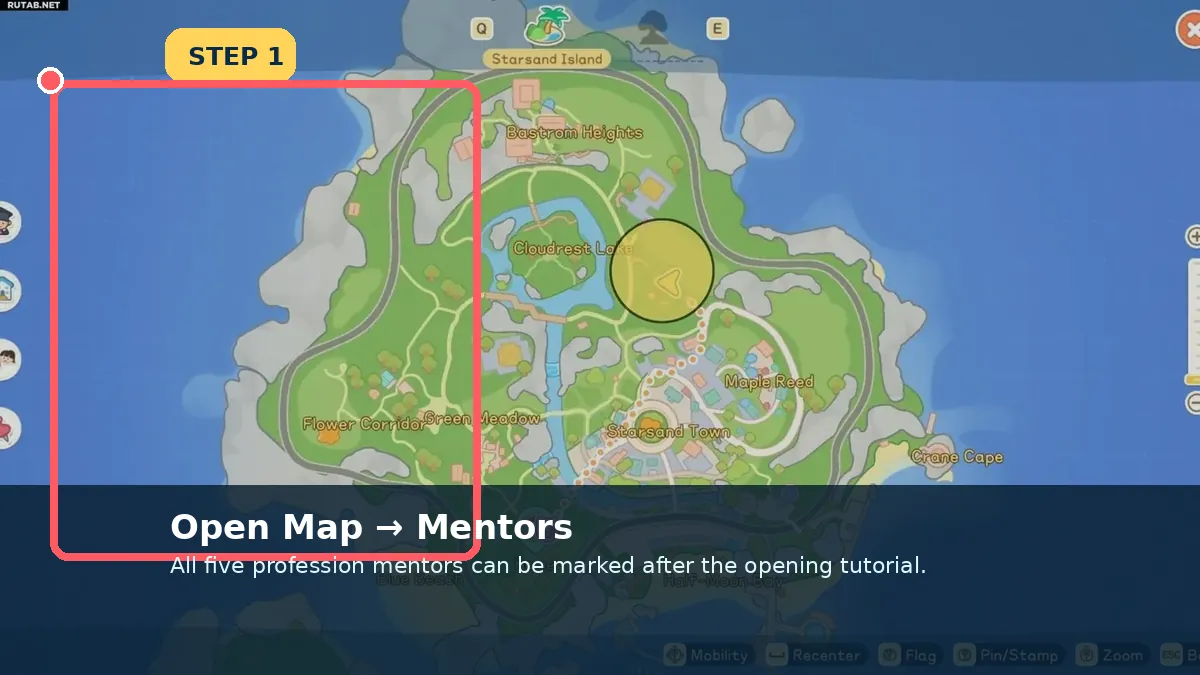
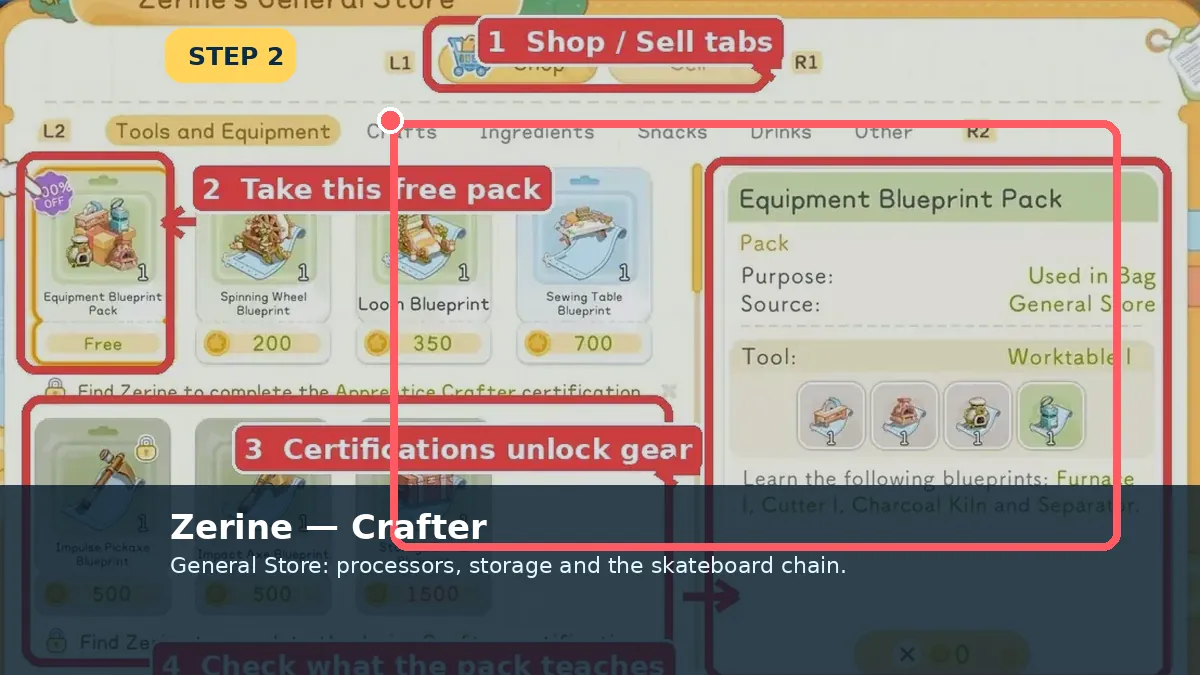
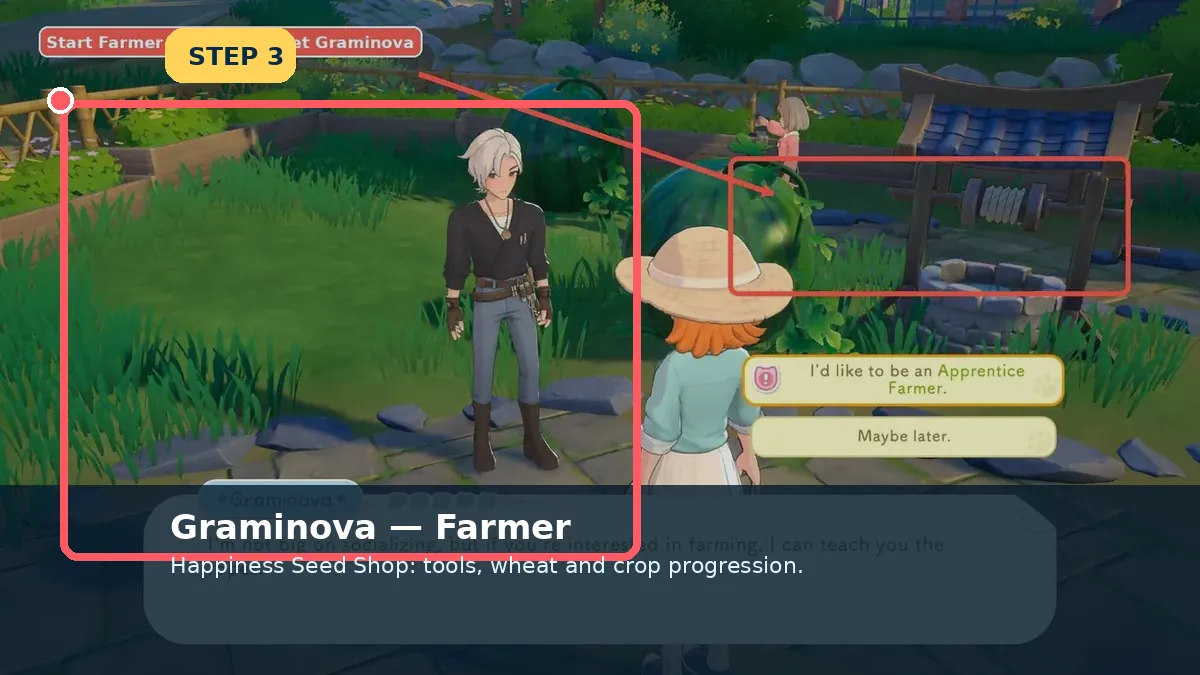
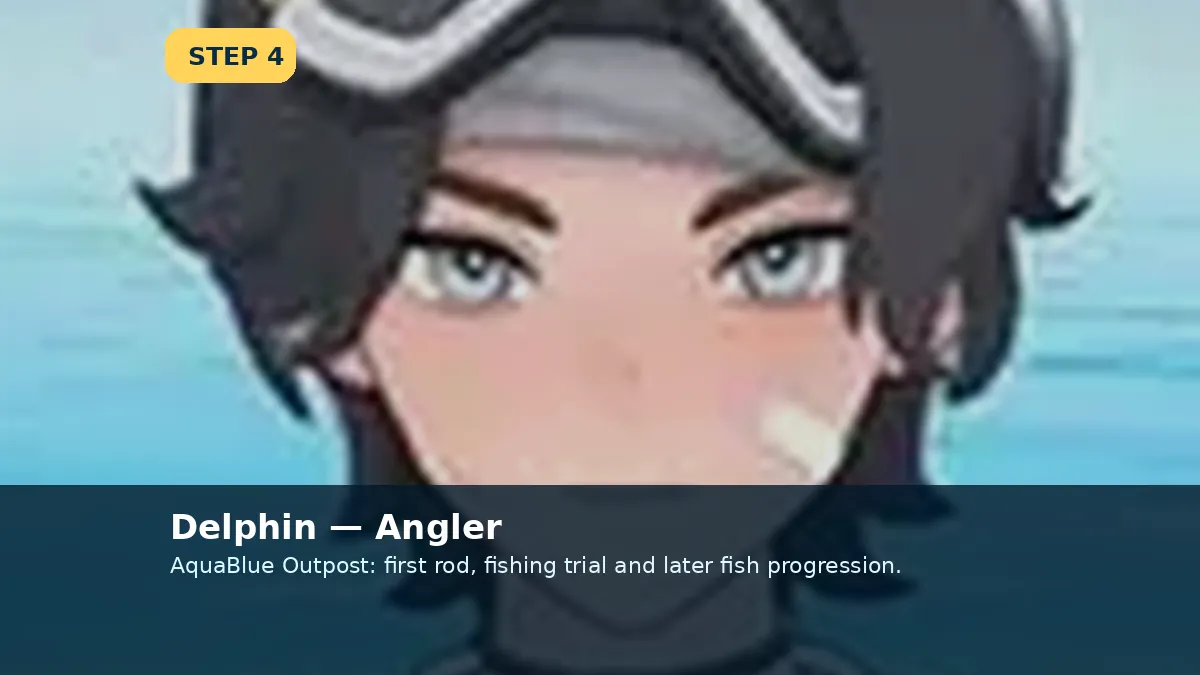
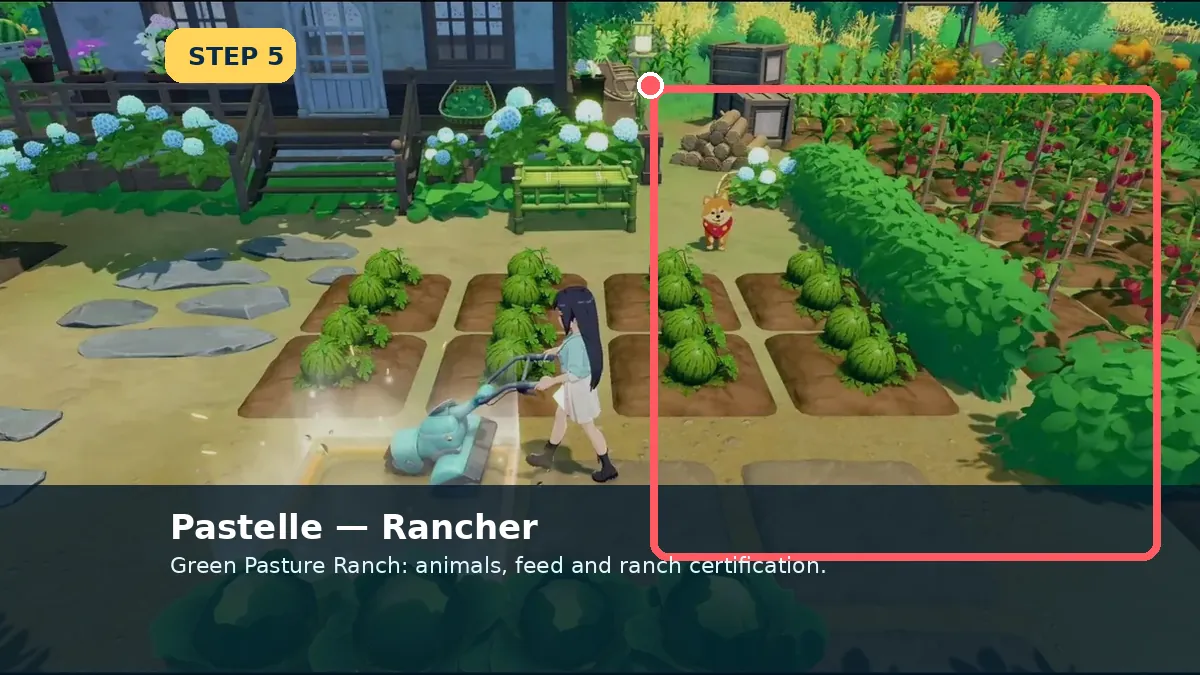
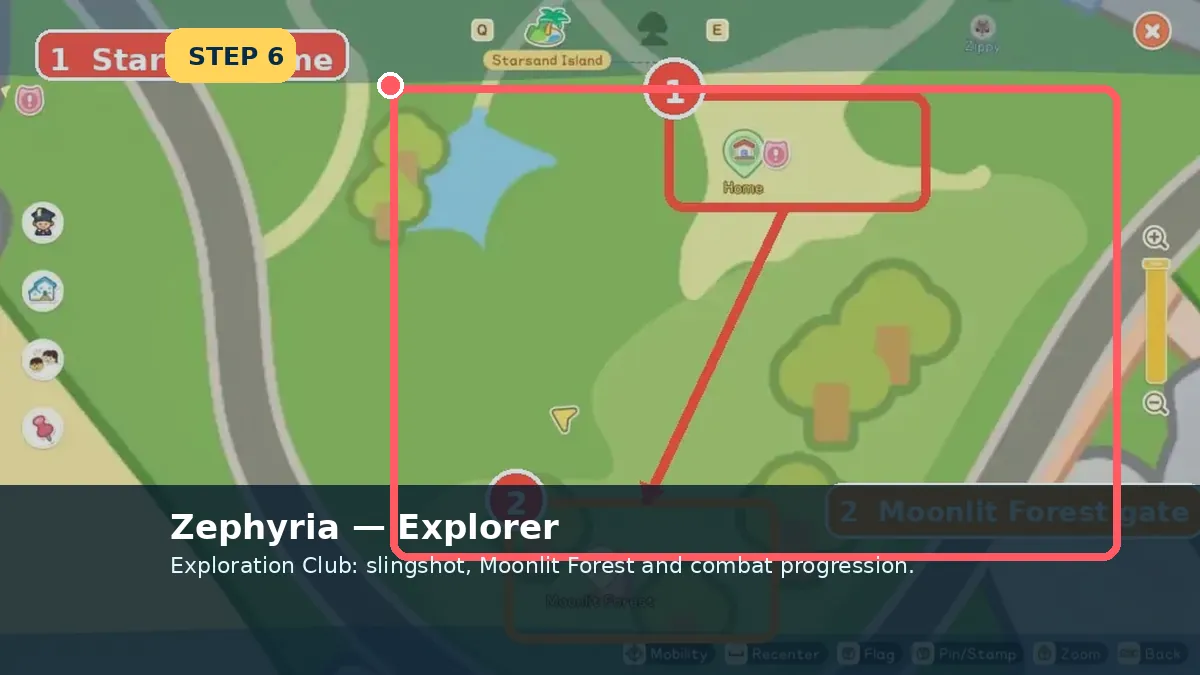
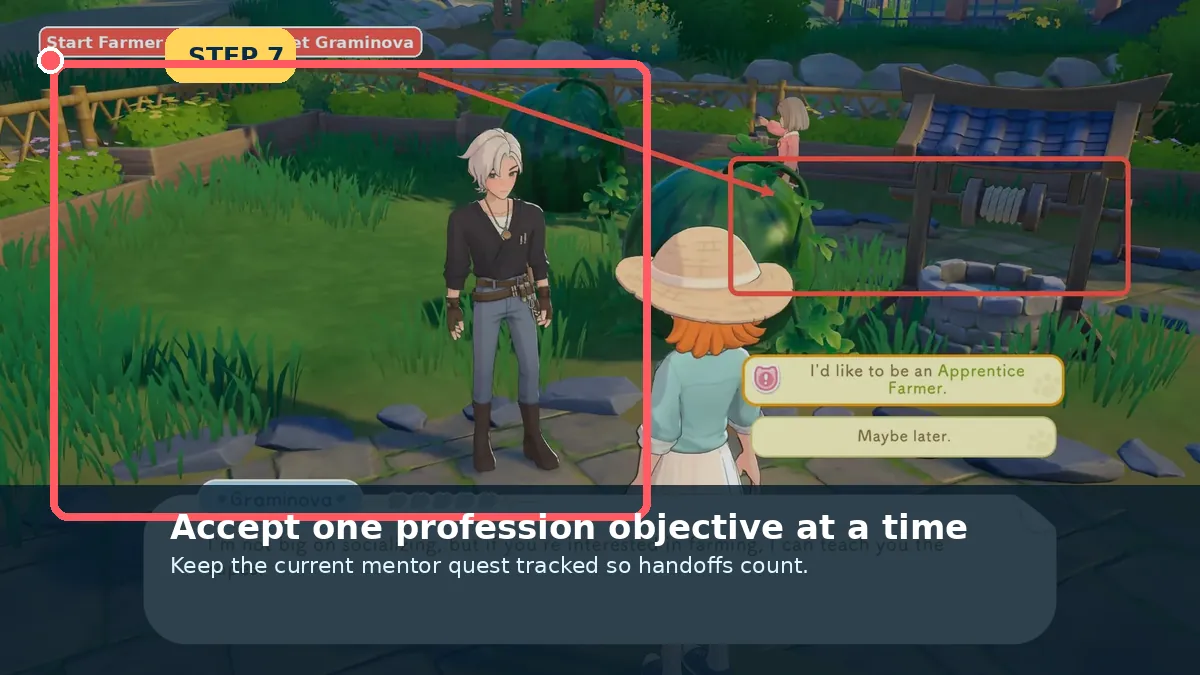
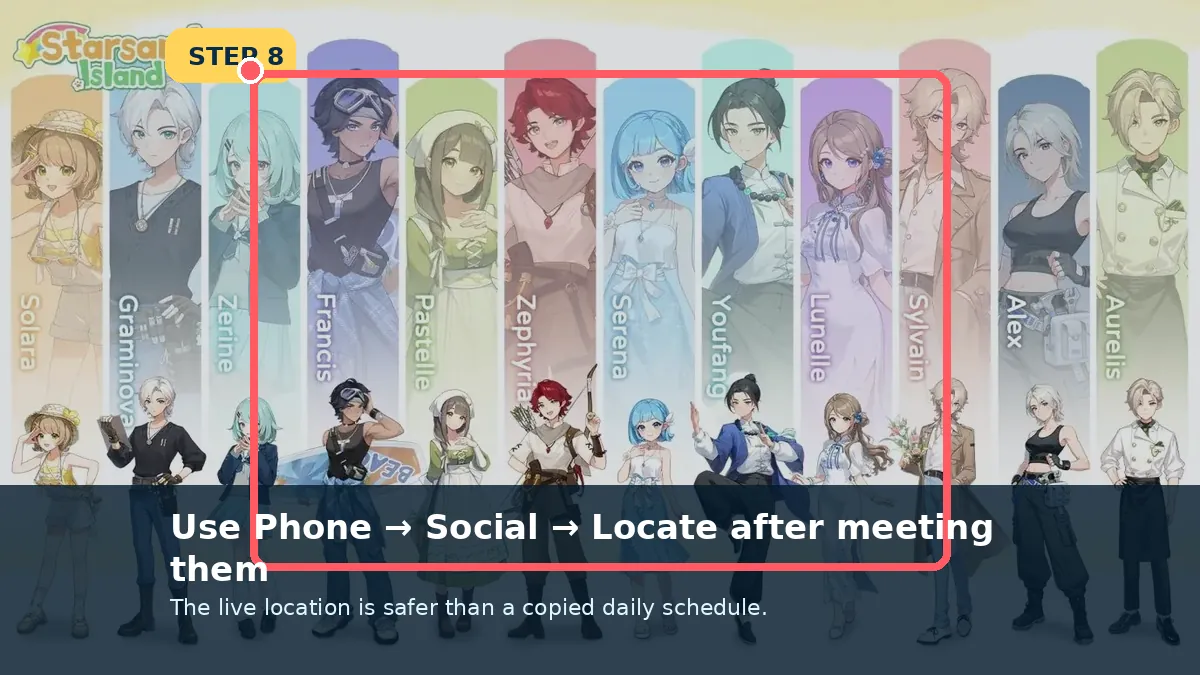
After the opening tutorial, open Map → Mentors and mark the profession you want: Zerine for Crafter, Graminova for Farmer, Delphin for Angler, Pastelle for Rancher and Zephyria for Explorer. After meeting someone once, use Phone → Social → Locate for their live position.
CrafterZerine
FarmerGraminova
AnglerDelphin
Rancher / ExplorerPastelle / Zephyria
Before you start
Open these menus first
Finish Solara’s profession-choice tutorial.
Open the full map rather than relying on the minimap.
Track only one profession objective during the first visit.
Detailed walkthrough
Find all five mentors
Each image is either a marked game screenshot or a clearly labelled control diagram.
When a mentor moves, open the Phone Social app and choose Locate instead of guessing where the NPC went.
Live location beats a schedule copied from another patch.
What you should seeA fresh waypoint points to the resident’s current position.
Field notes
The map gets you there; Social finds them later
Use the mentor category for the first introduction. After that meeting, the Social app is better than memorising a timetable.
Track one profession at a time
A single active marker is easier to follow and makes the next required dialogue obvious.
Meet the mentor once
The resident must be in your Social list before Locate can draw a live route.
Do not rely on a fixed hour
Weather, events and patches can move residents. Locate reflects the current save, not an old schedule chart.
Last checked against the Early Access build: July 8, 2026
Patch checkMentor schedules can change by time, weather and patch. This page intentionally uses map markers and live Locate tools rather than promising fixed hourly positions.
Sources checked Professions wiki · Profession guide · Starter Guide Reviewed 8 July 2026. Live recipe panels, tracked objectives and map markers override older screenshots when Early Access changes.
Continue from here
Open the page that matches your next screen
The links below connect this page to the exact item, resident, place or walkthrough used in the next step.